Windows 11 Capture tools
Open the Text Extractor in Windows 11. Press: Win + Shift + T

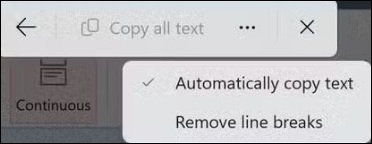
Choose from the 3 dot menu option (auto copy and/or remove line breaks)
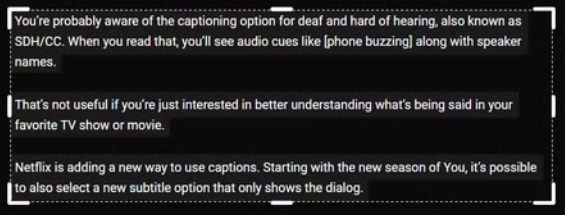
Select an area with the curser. The Extractor will then analyse the area you have selected.
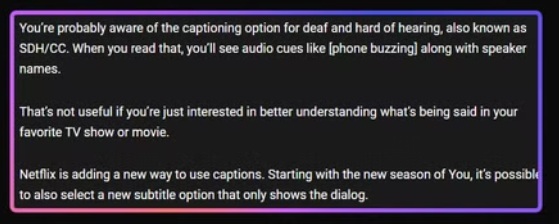
The extractor will then show the text it has detected.
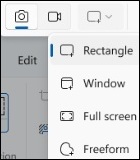
Open the Snippet tool in Windows 11, Press Win + Shift + S. Then choose how you want to make your capture (rectangle, window, freeform or fullscreen). Be aware there may be additional tools on your toolbar such as quick markup, shortcut to text extractor and a colour picker.