Getting started with the Genio Notes mobile app


You can use the Genio Notes
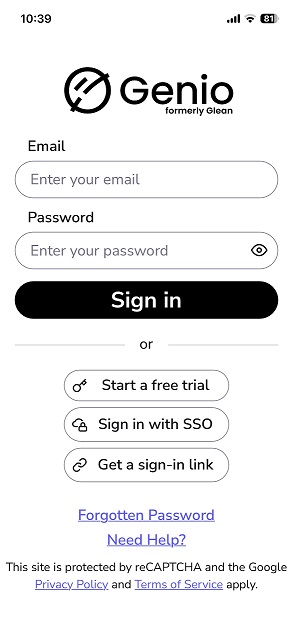
 mobile app on Android and Apple devices, search for Genio Notes in your app store and then log in with your account details (provided after attending a group training session).


Login screen for Genio mobile app


The app allows you to:

  • record a teaching session (event) with your phone or tablet
  • create notes
  • highlight and label parts of the recording as 'important' or 'review'.

You can also access your lecture recordings and notes on the web app.  When you open the app, you will see all of your events/recordings; simply tap to review them.

To download the audio and images to your mobile device, press the cloud icon next to the event you want to review.


Genio-home-screen